
I rarely use teleprompters.
I find that reading from them often comes across as less relaxed and authentic.
That said, there are times when you need to get the words just right.
I recently discovered and started using NotchPrompter.
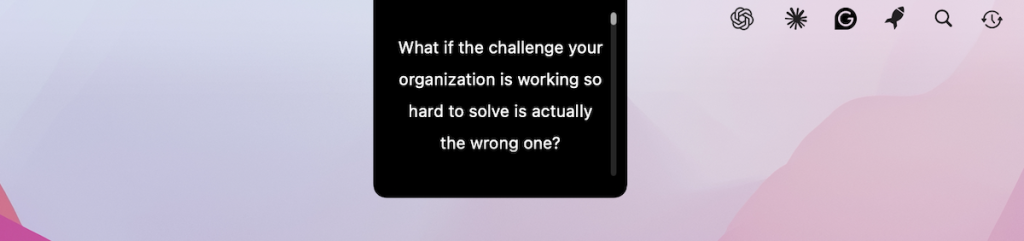
It’s a simple Mac app that displays your script in a narrow box right below the notch where the camera is.
I’ve recorded several videos with it, and there’s no noticeable eye movement. And it looks like I’m speaking directly into the camera rather than looking down at a script.
It even has a voice activation mode that adjusts the scrolling speed based on your speech.
And here’s the best part. There’s a free version on GitHub. I paid $4.99 for the Mac App Store version to support the developer.
Below is a screenshot showing what the script looks like in the notch area.
I also tested it in my studio, where I use a Sony A6100 with a monitor positioned just below the lens. Works great there too!
If you occasionally need a teleprompter but don’t want to look like you’re reading, check it out.